
They tap “AI”
Right after their photo, on the sharing screen. The original photo is kept as it is.
After their photo, guests tap “AI” and pick a theme: red carpet, astronauts, the Roaring Twenties… About fifteen seconds later, their transformed photo appears in the event frame, ready to print or to pick up by QR code.
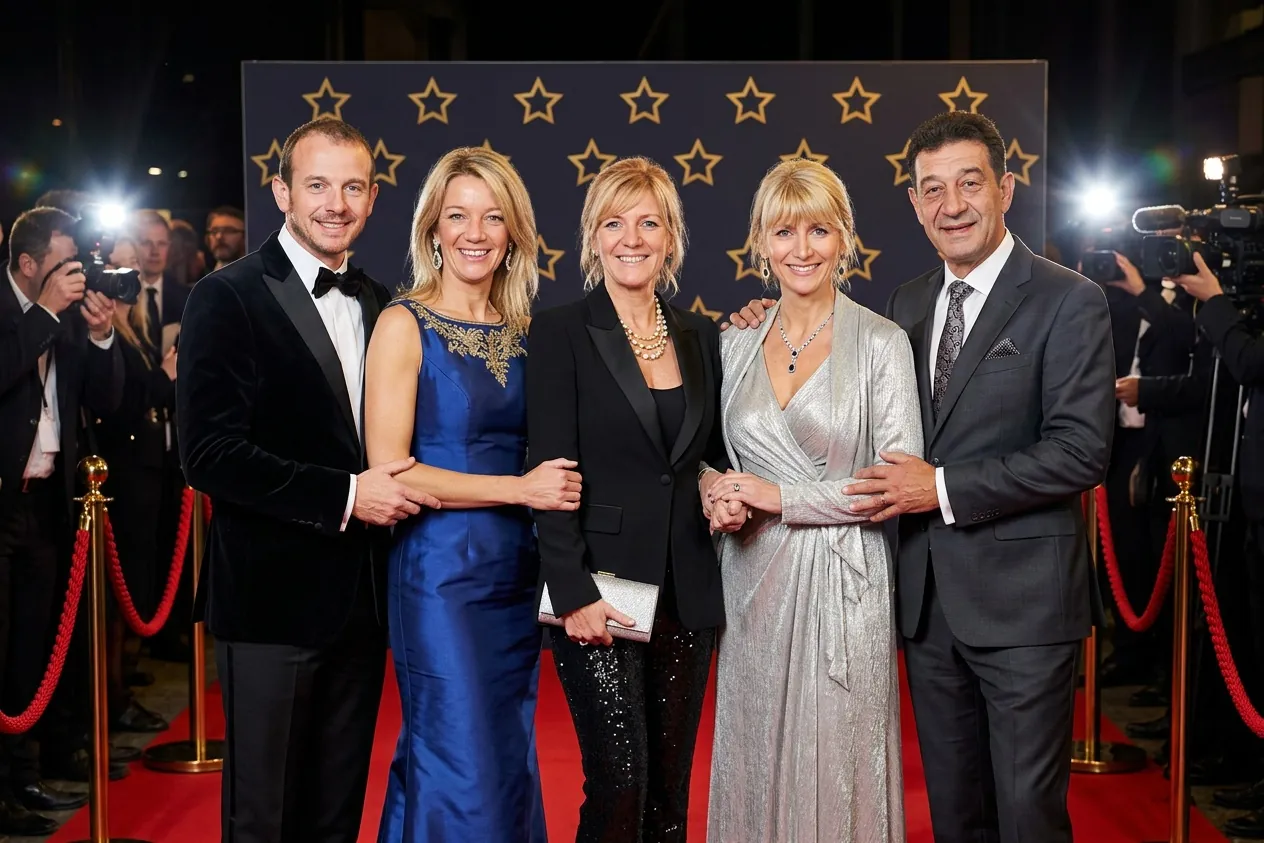
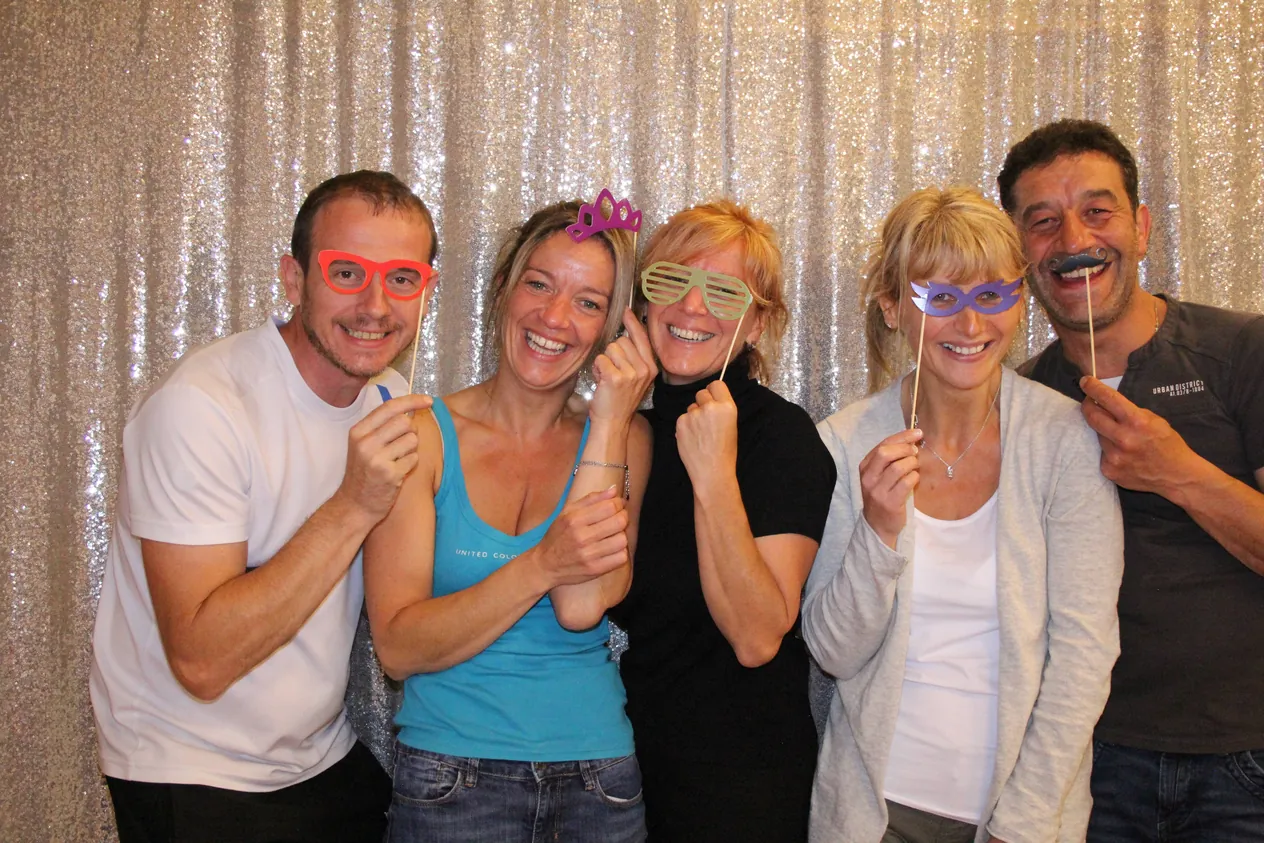 Before
Red carpet
A real photo booth picture, transformed with the PLAM-X themes. Drag the slider to compare.
The AI button appears on the sharing screen, next to the QR code, print and e-mail buttons.
Right after their photo, on the sharing screen. The original photo is kept as it is.
From the ones you offer for the event. Four to six are enough to keep the choice quick.
Transformed in about fifteen seconds and put back into the event frame, it can be printed, e-mailed or picked up by QR code.
Pick the ones for each event — Christmas for the holiday season, the Roaring Twenties for a gala — or create your own: a name, an emoji and an instruction are all it takes.
Choose your theme
Your photo is sent to an artificial intelligence service to be transformed. It is not kept there.
Everything is set in the booth's admin, event by event.
Add, edit or delete themes: a name translated into the booth's languages, an emoji, an instruction. One button tries them on the latest photo before you offer them to guests.
Turn on the AI button only for the events where you offer it, and tick the themes available at each event.
Every AI photo is counted per event, and you can set a limit: ideal for selling your client a package of AI photos.
Transformations are billed by fal.ai, the AI service, to your own account: you only pay for the photos actually transformed, with no subscription.
The booth checks the key, the credit and the connection at startup, then every ten minutes. If anything is missing, the AI button disappears and the event carries on as usual.
The photo is sent to the AI service only for the transformation and is not kept there, and the choice screen tells guests so. The original stays on the booth.
Pay as you go, by fal.ai, the AI service, from the credit on your own account: only the photos actually transformed are counted. You set the price you charge your clients.
About fifteen seconds for the transformation. Allow around thirty extra seconds for each guest who uses it: the queue moves a little more slowly on busy nights.
Yes for AI photos, since the transformation happens online. Without a connection, the AI button does not appear and the booth keeps taking and printing photos as usual.
The photo is sent to the AI service only for the transformation and is not kept there; the choice screen tells guests so. The original photo and the AI photo are stored on the booth with the event's other photos.
Single-slot photos. Multi-photo frames, boomerangs and videos do not go through AI.
Paste your fal.ai key into the PLAM-X admin and choose the quality, then turn on the AI button and the themes in the event. No fal.ai account yet? We will help you create one.
A demo online or on a booth, with your own themes if you like: drop us a line, we answer quickly.